


Digital Application Merchant Guide
This digital application is used to collect the business, ownership, banking, processing, equipment, and agreement information needed to set up merchant payment processing services.
Accepting multiple payment options can provide added convenience for your customers, support purchases at your establishment, and help ensure payments are processed efficiently.
The application guides you through each section, helping you provide the required information, save your progress, and track what remains to be completed before submission.
Application sections
The digital application includes the following sections:
Each section includes a short introduction at the top to explain what information is being collected and why.

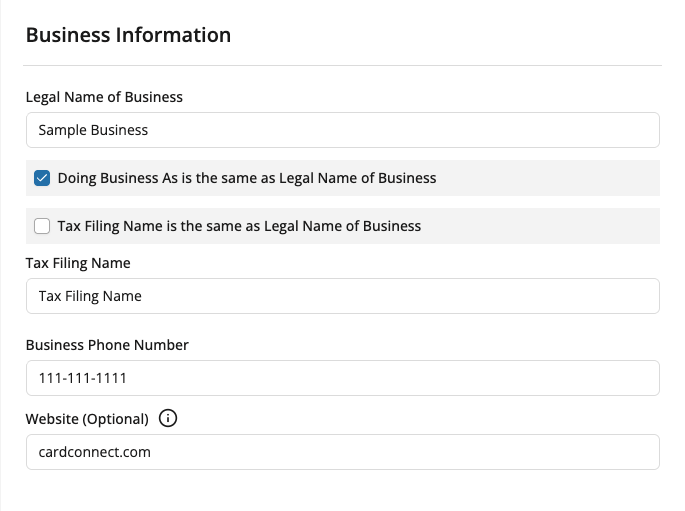
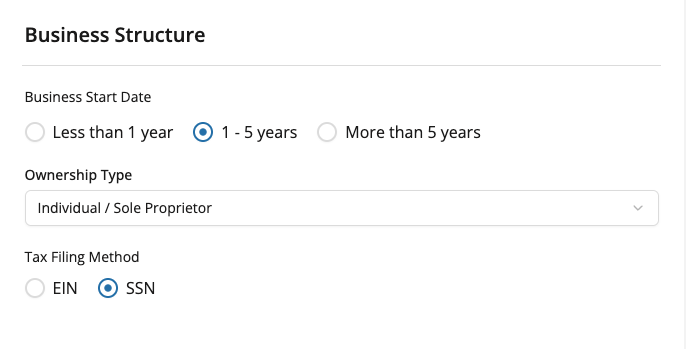
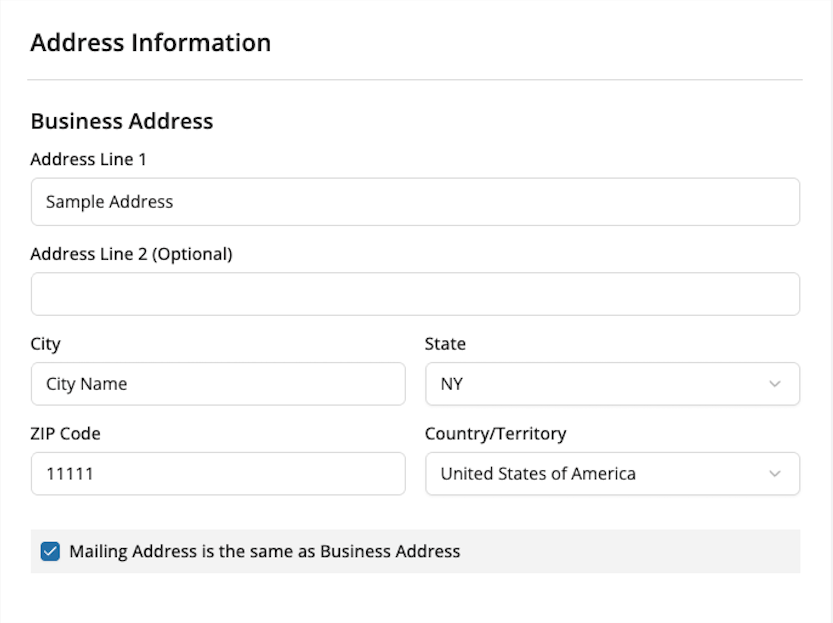
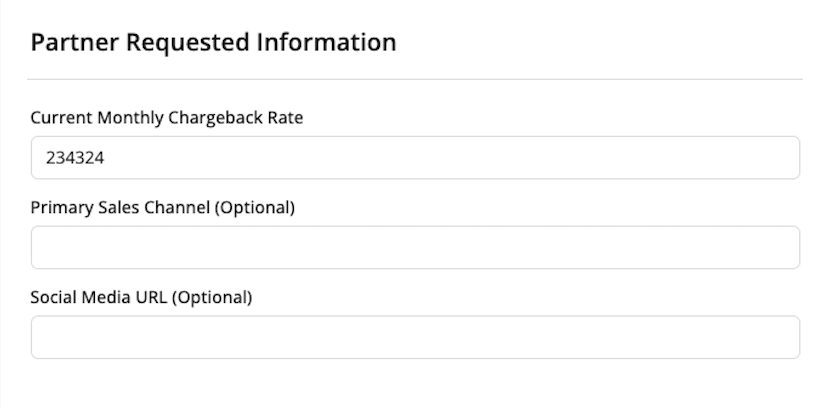
Use the dropdowns below to view each section with sample data populated in the corresponding fields.
Business Details
In the Business Details section, enter key information about your business, including its name, structure, tax information, and address.
This section is designed to help you begin the application with core business information before moving into more detailed sections.
Industry & Ownership
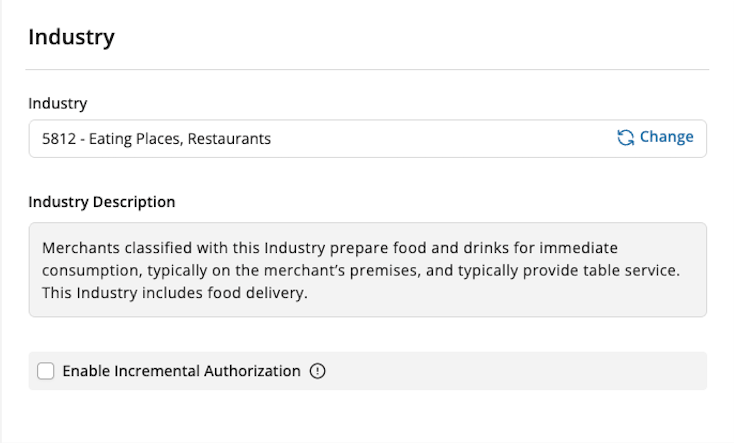
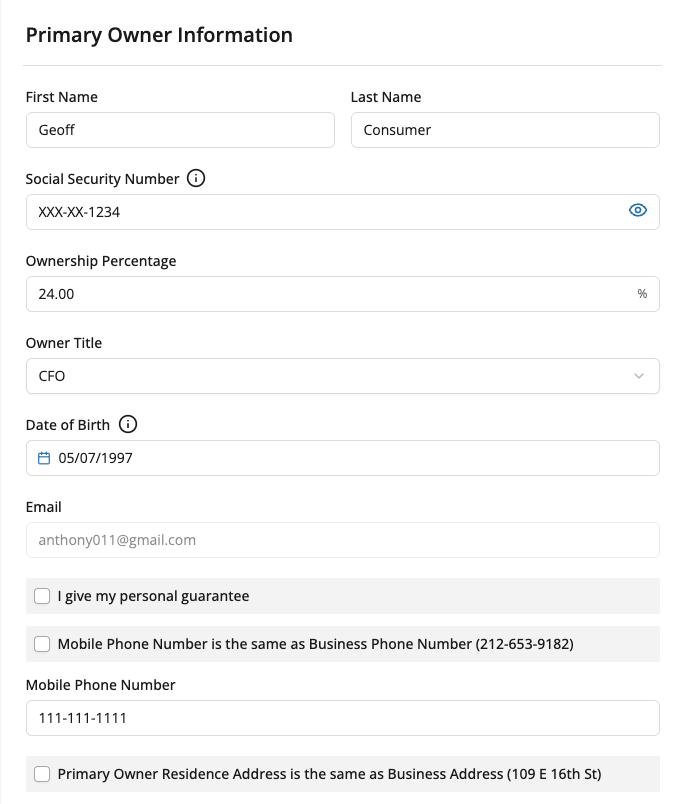
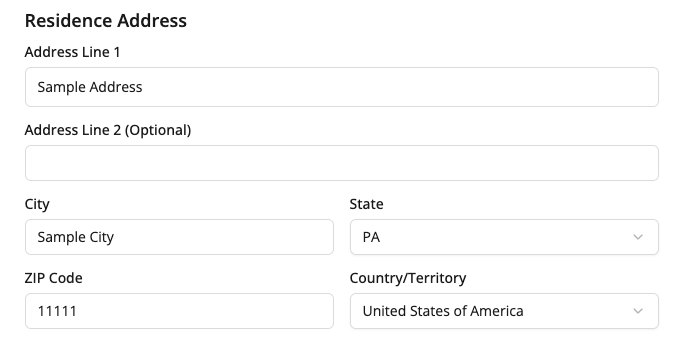
The Industry & Ownership section includes industry-specific and ownership-related information.
Banking & Processing
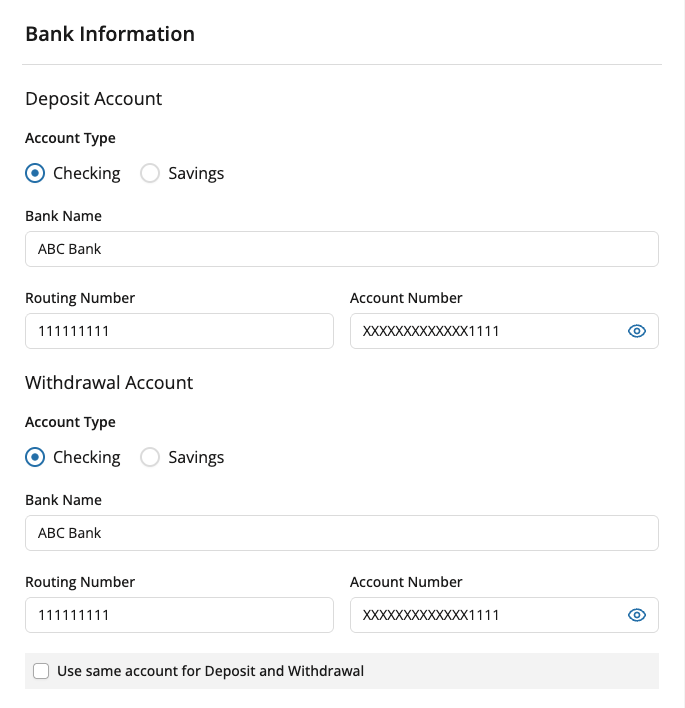
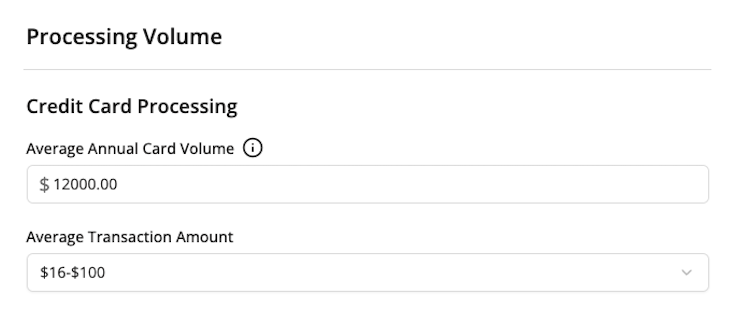
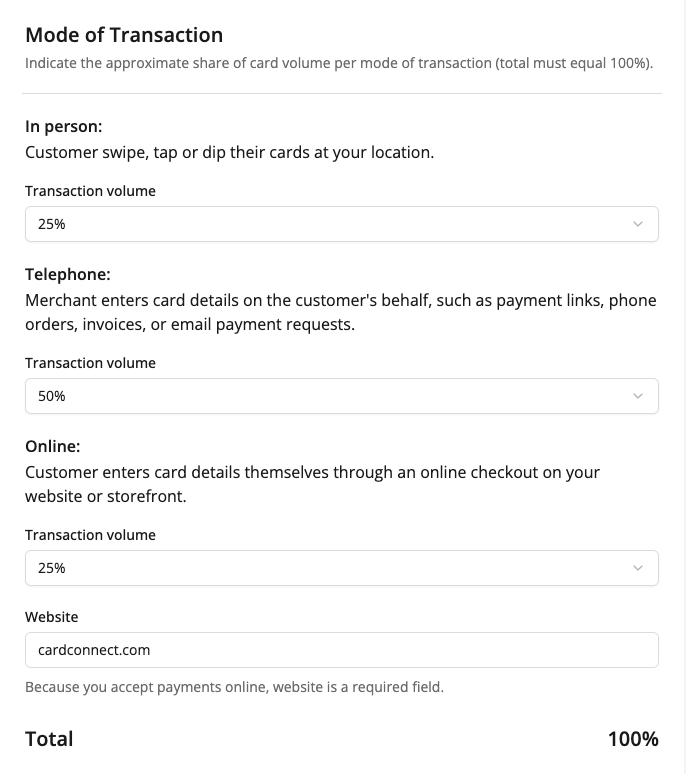
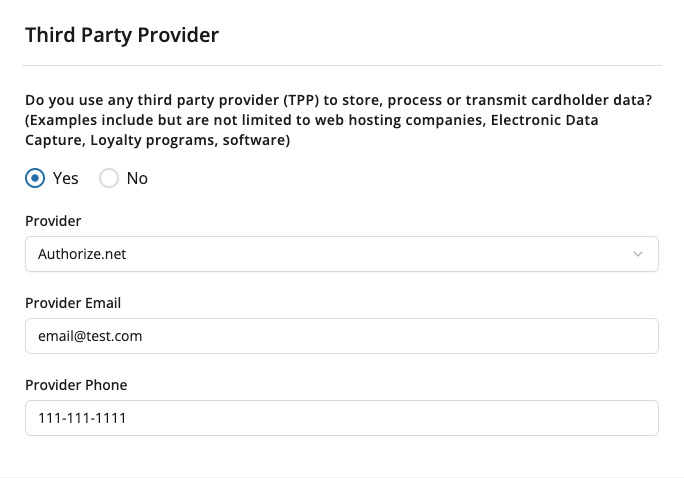
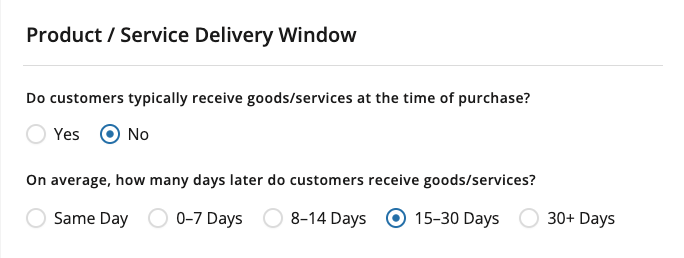
In the Banking & Processing section, provide the banking and processing details needed for your application. Your banking information is used to deposit funds from processed transactions and, where applicable, support account-related adjustments and fees.
Be sure to review all entries carefully before saving.
Equipment
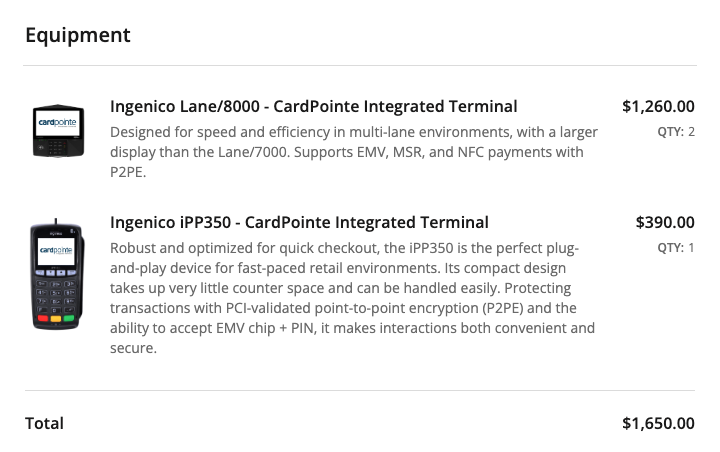
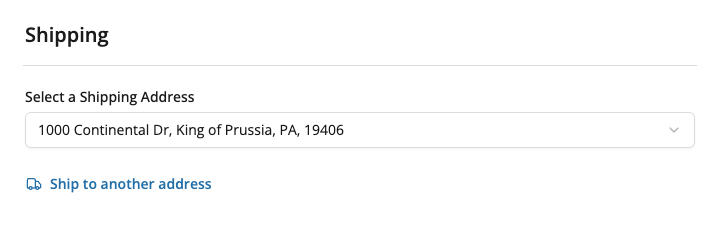
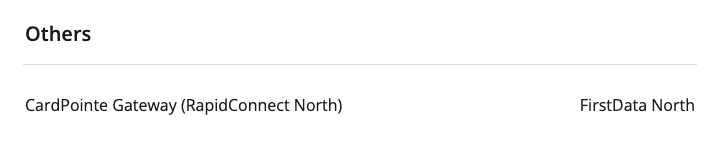
The Equipment section includes information related to the equipment that is selected for you to perform payment processing.
Complete all required fields in this section before saving.
Review Agreement
In the Review Agreement section, you can review your agreements and navigate seamlessly through each item.
This section is designed to help you:
View agreement progress clearly
Navigate between agreements
Understand what still needs to be completed
Sign the agreements

Progress tracker
There is a progress bar at the top of the application to help you track your overall progress. It shows how much of the application has been completed and how much remains.
Hover over the end of the progress bar to view the exact percentage of the application that has been completed.
You can also hover over the status icon for each section to see its individual progress. If a section is not yet complete, the status icon shows the percentage of information that has been entered for that section.

Section status icons
Each section includes an icon that shows its current status.
These icons help you quickly see whether a section is complete or needs attention.
Status icons
Empty circle: No information has been saved
Half-filled circle: Some information has been saved
Checkmark: All fields in the section have been saved
Exclamation point: Errors were found when attempting to save
Moving between sections
You can move between sections in the application, but unsaved changes affect navigation.
Navigation behavior
If you have unsaved changes in your current section, you cannot move to another section until those changes are saved
If there are no unsaved changes, you can move to any section
This helps prevent information from being lost while you complete the application.
Error messages
If information is missing or entered incorrectly, error messages help you identify what needs to be fixed.
What to expect
Some error messages appear as soon as you finish entering information in a field
If you try to save a section with errors, messages appear directly below the related fields